Quick answer
Is there an app that turns a home inspection report into a maintenance plan?
Yes. Homekeepr reads your home inspection report and turns its findings into prioritized tasks and a maintenance plan for your specific home. Upload the PDF your inspector sent, review what Homekeepr found, and track each item until it is done.
A typical report runs dozens of pages, arrives in the busiest weeks of a move, and gets read once. After closing, most findings are forgotten until one becomes a repair bill. Homekeepr keeps them with the house.
How it works
From report to plan in three steps
Upload the PDF
While you set up your home plan in the Homekeepr app, add the inspection report your inspector sent as a PDF.
Review what Homekeepr found
Homekeepr reads the findings and picks out the home systems the report mentions, then asks you to confirm them so your Homegraph matches the house.
Work the plan
Findings become tasks in your plan with a priority, timing, and cost, and you can sort by any of them. Each task links back to the page of the report it came from.
One living plan
The inspection becomes part of your home's record.
Your findings sit alongside the appliances, systems, manuals, warranties, and reminders Homekeepr already tracks for your home, so the next repair starts with the full history.
Get Homekeepr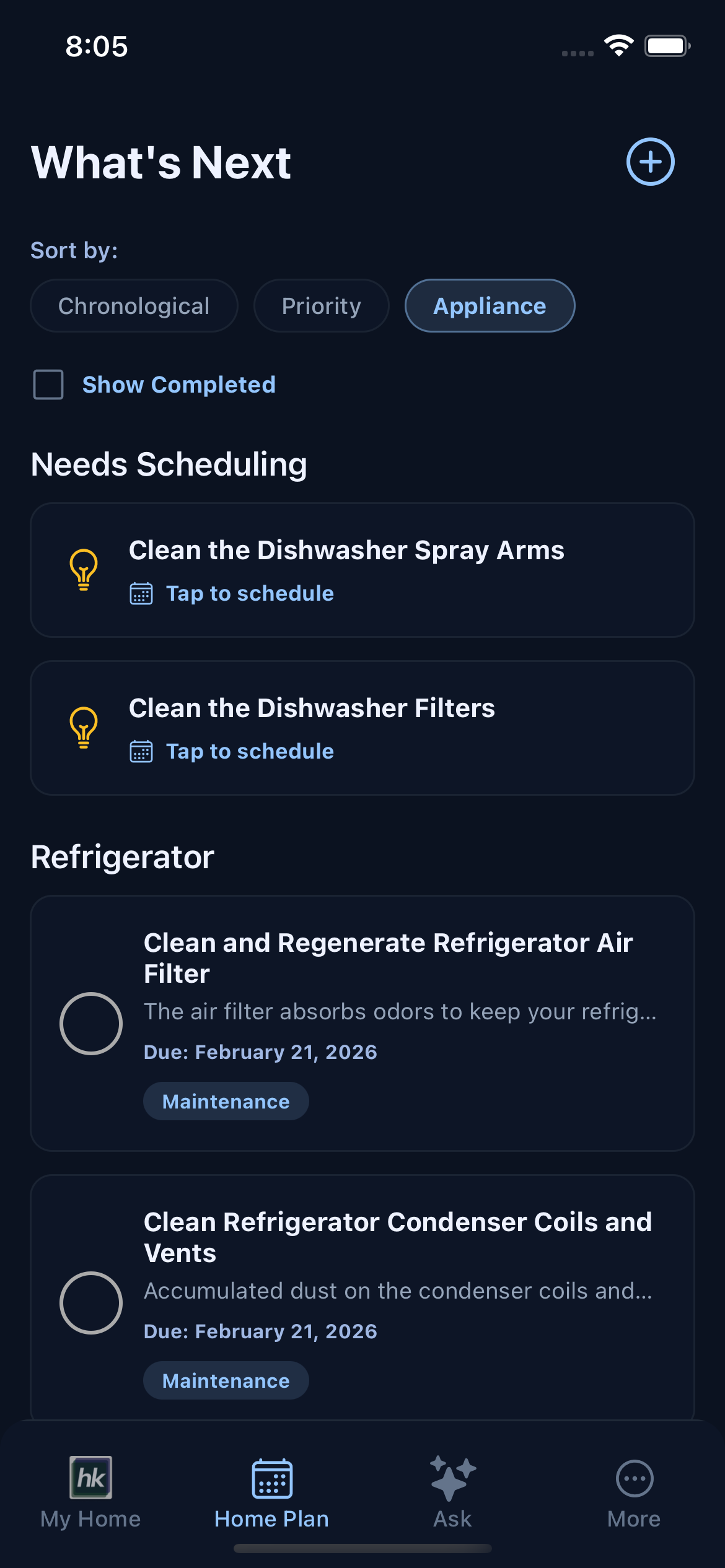
Prioritize
What to fix first after an inspection, and what can wait
Fix safety issues first, then anything letting water in, then plan for systems near the end of their life. Cosmetic items can wait. That order keeps the expensive, compounding problems from hiding behind a long list of small ones.
Our guide to what to do after a home inspection walks through each group, what to raise before closing, and what belongs in the first 30, 90, and 365 days.
Moving in
Your first 90 days with a new house
The inspection is one part of moving in. Utilities, insurance, safety checks, and learning where the shutoffs are all compete for the same weeks. The new homeowner checklist for your first 90 days puts them in order.
No report yet? Homekeepr can still start your plan from your address and a few photos of your appliances and systems. Add the report whenever you have it.
See Homekeepr pricing, learn what an AI home manager does, or compare home maintenance apps.
Inspection report FAQ
Questions about inspection reports in Homekeepr
What file format does Homekeepr accept for inspection reports?
A PDF, the format most inspectors send their reports in. Homekeepr also reads PDFs of property tax and insurance documents, and you can photograph appliances and systems with your phone camera.
Is my inspection report private?
Yes. Your home data is securely stored, Homekeepr never sells your personal information, and you control what is shared and who has access.
What if I don't have an inspection report?
Homekeepr builds your plan from your address and a few photos of your appliances and systems. You can add an inspection report later.
Does it work on iPhone and Android?
Yes. Homekeepr is available on the App Store and Google Play.
How much does Homekeepr cost?
Homekeepr is $199 a year. New members who buy on the web pay $50 for their first year.